

No. Inactive plugins don’t slow down WordPress. A deactivated plugin is never loaded on a page request, so it costs no PHP execution, no queries, no scripts, no styles. What it costs is disk and attention: the folder still sits in wp-content/plugins, usually months out of date, counted by scanners and audits, cluttering the Plugins screen. So the speed argument for deleting is weak. The housekeeping argument is real. And deleting is not the only way to do housekeeping.
- Deactivated plugins don’t execute, so they add nothing to load time.
- Their files stay on disk, often badly out of date.
- Their database settings stay too, deactivated or not.
- Archiving moves the folder out of the plugins folder into a protected archive, files and database untouched.
- Deleting is permanent: deleted plugins come back only from a backup.
Why the speed myth sticks
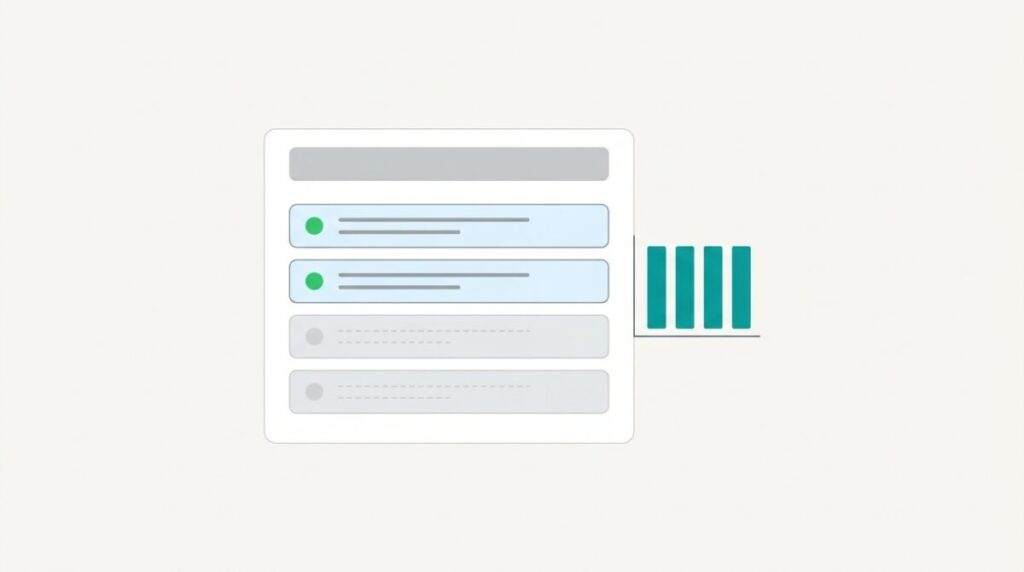
The advice mixes up three separate things: code that runs, files that exist, and rows in the database. Only the first one touches page speed.
Deactivate a plugin and WordPress drops it from the list it loads on each request. Its PHP never runs, its hooks never fire, it enqueues nothing. The Plugins screen still lists it and your file system still holds it, but the site doesn’t execute a line of it.
A deactivated plugin is code on disk, not code in the request.
What they actually cost you
- Old code on the server. The files sit in
wp-content, often months behind the current release, because nobody updates a plugin they switched off. - A Plugins screen nobody can read. Half the list off, and no record of why any of it is there.
- Audit noise. Scanners, insurance questionnaires and client IT teams count what is installed, not what is running.
- Database rows either way. Deactivating doesn’t remove a plugin’s options or tables. Deleting usually doesn’t either: those stay until the plugin’s own uninstall routine runs.
If your reason for deleting was database clutter, deleting alone often doesn’t fix it.
Delete or deactivate is a false pair
Deactivate, archive, delete
That false pair is exactly why inactive plugins pile up for years. Deleting feels too final, so they stay on the shelf, and the Inactive tab on the Plugins screen quietly becomes the list nobody deals with.
There is a third state. Archivum Inactive Archiver moves an inactive plugin’s folder out of wp-content/plugins into an archive folder unique to your site. The files are moved, not changed, and the database isn’t touched at all: settings, options and tables stay where they were. It only archives plugins that are already inactive, and it never overwrites. If a folder of the same name already sits where the move would land, it refuses and says why.
Restore puts the folder back in wp-content/plugins, inactive, with its settings intact, because nothing was ever removed. By default Archivum updates it first using WordPress’s own updater, so it doesn’t return months out of date. After a big version jump, read the changelog before you activate.
The archive folder is blocked from web access with .htaccess, web.config and index.php files, and Archivum checks the block actually works, warning you on screen and in Site Health if it doesn’t. Some servers, nginx among them, ignore those rules. That reduces exposure. It is not a security scanner.
The site with 73 inactive plugins
I build and look after WordPress sites, some of them 18 years old. One I took over had 73 inactive plugins, left behind by years of swaps and tests, and I didn’t know which ones the client might still need.
I archived essentially all of them. Of 73 inactive plugins archived on one site, 2 had to come back within a month, about 50 were deleted once I was sure, and 20 are still in the archive. The two returns were a Gravity Forms add-on, because a critical form that couldn’t be replaced stopped working properly, and a slider plugin, because the slider broke and had to be swapped for a native one.
Deleting all 73 on day one would have been the fast advice. It would have cost me a rebuilt form, unpaid.
Deleting, when you get there
Deletion is permanent. Deleted plugins can only be recovered from a backup. Keep backups.
Archivum Pro can delete what has sat in the archive too long, but that is off until you turn it on and confirm you keep backups, it announces itself a week ahead, and it only proceeds after an administrator has seen the notice. It never touches folders it doesn’t recognize as plugins. Pro’s “Clean up and delete” removes a plugin’s data by running that plugin’s own uninstall routine, which means it can’t promise to remove every trace. Pro is an add-on and needs the free plugin installed; it’s charged per site per year, with a tier for a small set of sites and an unlimited tier for agencies and hosts, and the figures live on the Pricing page.
The free plugin is complete on its own. Not a trial, not a lite build, no locked features.
An order of operations that works
Archive first, delete later
- Take a backup first. Archiving changes nothing, but the deletion at the end is permanent.
- Archive the inactive ones. The folders leave
wp-content/pluginsand land in the protected archive. Find them under Plugins → Archived Plugins. - Wait. A month is enough for most seasonal and once-a-year tools to announce themselves.
- Restore anything that turns out to be needed: one click, back inactive, settings intact, updated from WordPress.org.
- Delete only what you’re now sure about, knowing the only route back is a backup.
Where speed actually comes from
If the site is slow, look at what runs: active plugins, theme code, queries, hosting, images. Archiving inactive plugins will not change your load time, and I won’t pretend otherwise. It tidies the Plugins screen and takes old code off the plugins folder. That is the honest claim, and it’s the one you can put in a client report.
The Safety and security page sets out what moves, what doesn’t, and where the limits are. The user guide walks the screens step by step.
FAQ
Do inactive plugins slow down WordPress?
No. A deactivated plugin isn’t loaded on any page request, so it adds no PHP execution, no queries and no front-end assets. Its files stay on the server and its database settings remain, but neither affects page load.
Do inactive plugins still pose a security risk?
Their files are still on disk and usually out of date, which is why scanners and audits count them. Archiving moves those files out of the plugins folder into an archive folder with an unguessable name that is blocked from web access, which reduces exposure. That is not a guarantee, and Archivum is not a security scanner.
Is it better to delete or deactivate unused plugins?
Neither on its own. Deactivating leaves clutter and old files. Deleting is permanent and recoverable only from a backup. Archiving is the middle option: the folder moves out of wp-content/plugins, files unchanged, database untouched, and one click brings it back. There is a longer walkthrough of removing unused WordPress plugins safely if you want the full order of operations.
Does deleting a plugin remove its database settings?
Usually not by itself. A plugin’s options and tables stay until its own uninstall routine runs. Archivum Pro’s “Clean up and delete” runs that routine for you, and what it removes depends on what the plugin’s uninstaller does.
Will archived plugins come back out of date?
No, not by default. On restore, Archivum updates the plugin using WordPress’s own updater and returns it inactive, in its original place, with settings intact. After a big version jump, read the changelog before activating.
Does Archivum delete anything on its own?
No. Automatic deletion is a Pro feature, off until you turn it on, and it gives a week’s notice that an administrator has to see before anything is removed. Deleted plugins can only be recovered from a backup.
Does it work on every host?
Not quite. Archivum needs WordPress to be able to write files directly, so it can’t work on hosts that ask for FTP details. On servers that ignore .htaccess, nginx among them, the web-access block may not apply, which is why Archivum checks and warns you.
Reviewed by John Kirker - last updated October 18, 2026.
Sources for this article
- Owner house rule 1: inactive plugins already don't run, so archiving doesn't make a site faster; fair to say it tidies the Plugins screen and takes old code off the plugins folder
- Home: an inactive plugin is not running, but its files are still in wp-content, often months out of date
- Interview: the database isn't touched at all; settings, options and tables stay exactly where they were
- Interview: archive folder blocked with .htaccess, web.config and index.php; Archivum checks the block and warns on screen and in Site Health, e.g. nginx
- Interview: only archives already-inactive plugins; never overwrites, refuses and says why
- Interview: restore moves the folder back, updates by default via WordPress's own updater, comes back inactive with settings intact
- Owner house rule 6: after a big version jump, read the changelog before activating
- Interview: deleting an archived plugin removes files only; database settings stay until the plugin's own uninstall routine runs; Pro's Clean up and delete runs it
Facts drawn from this site's own documented knowledge and first-hand experience.
